










Table of Contents
- Why this integration matters for you
- What you can actually do with it
- Before you start – connect Canva as a source
- How to prompt ChatGPT for a Canva-ready design
- The crucial step people miss
- What ChatGPT will generate for you
- Open the generated design in Canva and make it yours
- Design thinking you still need to do
- Known limitations and quirks
- Practical workflow I recommend
- Final thoughts – how to make AI design feel human
- Try it and tell me what you create
Why this integration matters for you
Canva and ChatGPT now work together so you can get design-ready assets faster. The powerful part is that ChatGPT can do the heavy thinking for you – draft copy, build slide outlines and then hand that to Canva as an editable design. You get a starting point that saves time, and you apply your brand expertise to make the result feel human and strategic.
What you can actually do with it
- Create a pitch deck from a client call transcript – paste your transcript, ask ChatGPT to summarize, then convert that into a slide deck you can open in Canva.
- Plan social media – generate a week or a month of posts and ask for suggested layouts and captions.
- Draft lead magnets and then export them as a PDF-ready design.
- Turn existing copy or website pages into starter designs you can quickly brand and polish.
Before you start – connect Canva as a source
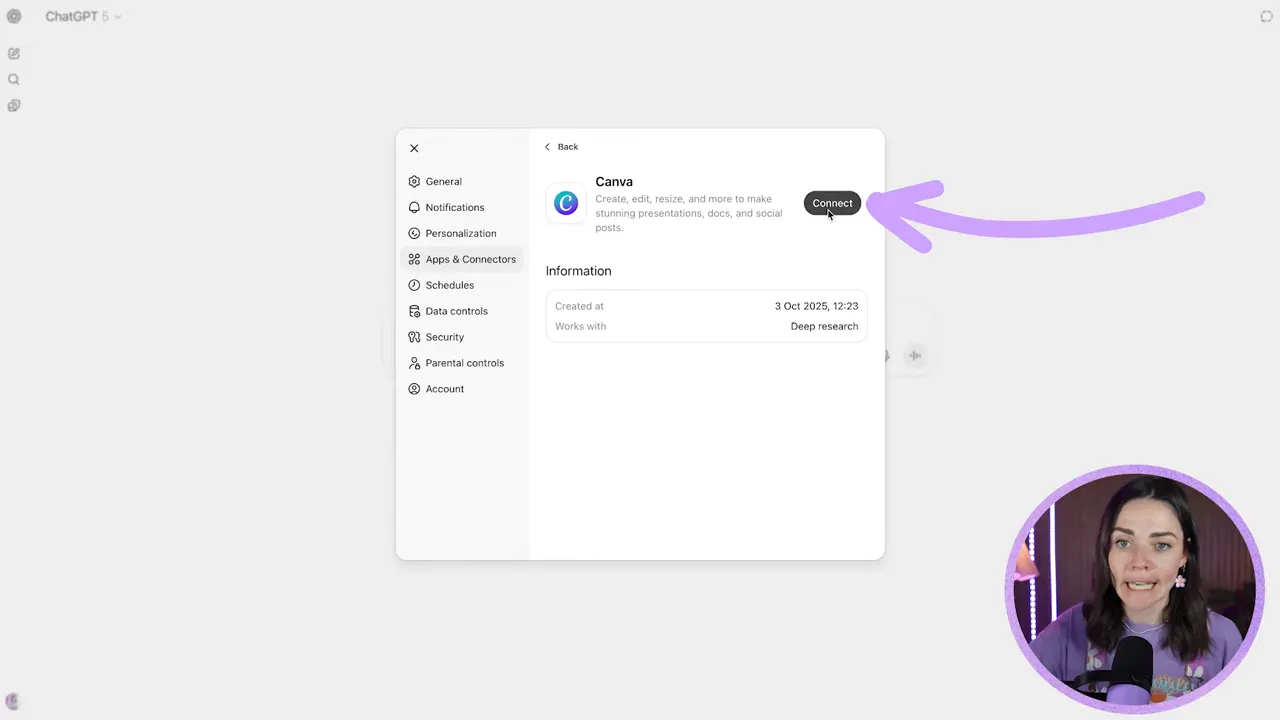
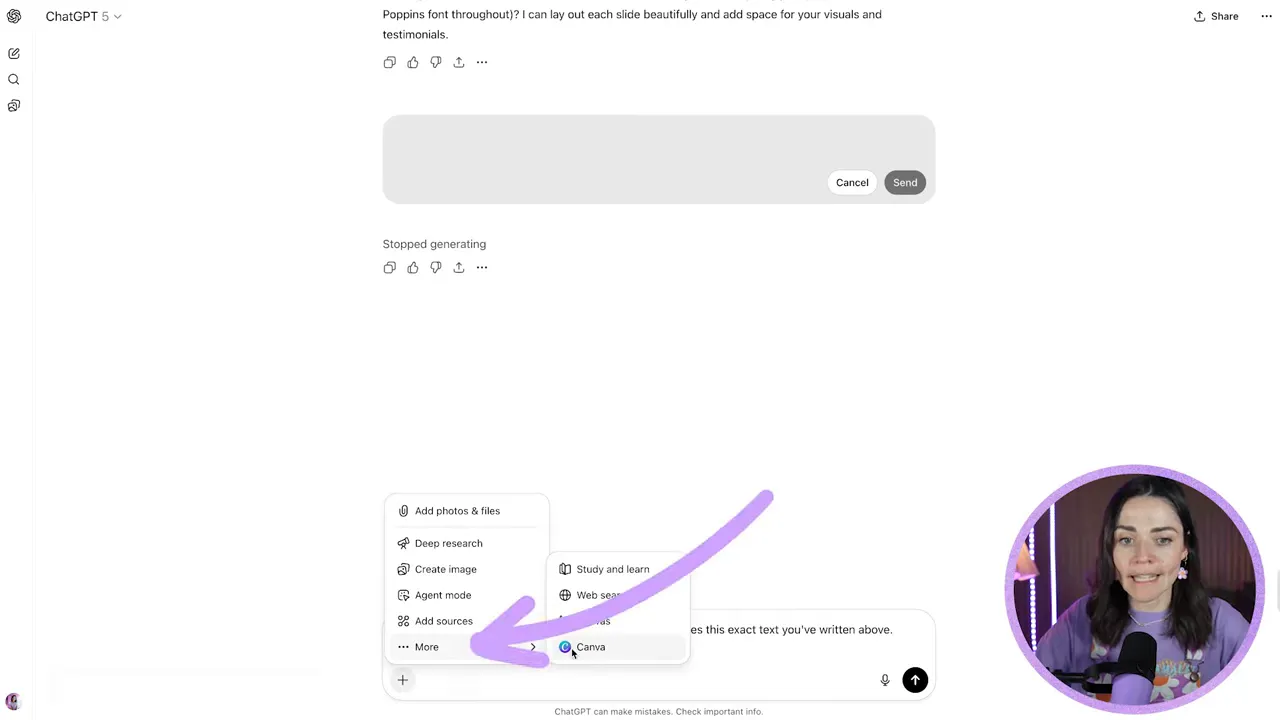
Do this first. In ChatGPT, go to add sources, choose connect more, find Canva, and authorize access for the team or account you want it to use. Read the permissions and then allow. If you skip this step, the Ask to create an editable Canva design will not work.
How to prompt ChatGPT for a Canva-ready design
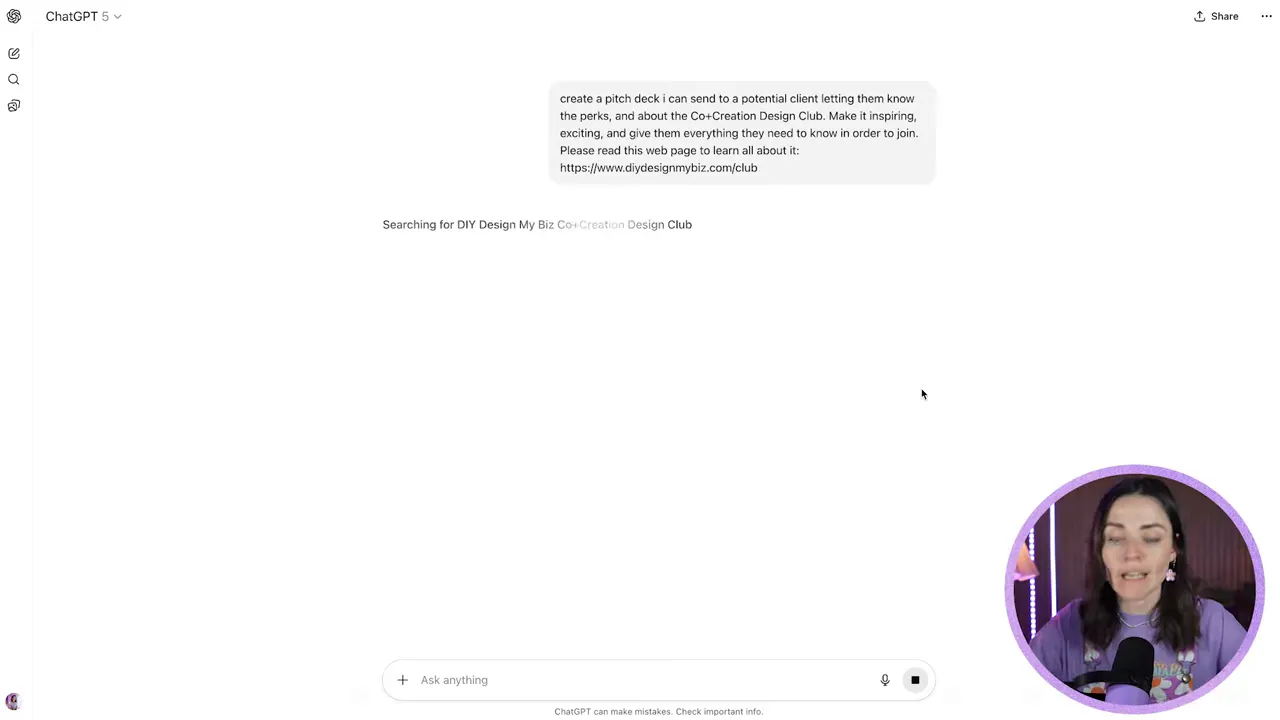
Start by telling ChatGPT exactly what you want. For example:
Create a pitch deck I can send to a potential client about the Co-creation Design Club. Make it inspiring and give everything someone needs to know to join. Please read this web page to learn all about it.
Important prompting tips:
- Be specific about tone – tell it if you want playful, friendly, or formal language.
- Refine the text before asking it to make the design. Fix copy, remove punctuation you dislike, and replace any corporate-sounding phrases.
- If you want brand details respected, include hex codes or font names in the prompt, but be prepared to apply those manually inside Canva.
The crucial step people miss
When ChatGPT asks if you want an editable Canva design, do not just click yes. First make sure you have added Canva as a source and then in the design flow explicitly pick Canva from the list of apps under more. If you skip choosing Canva at that exact moment, the design will not be created in your Canva account.
What ChatGPT will generate for you
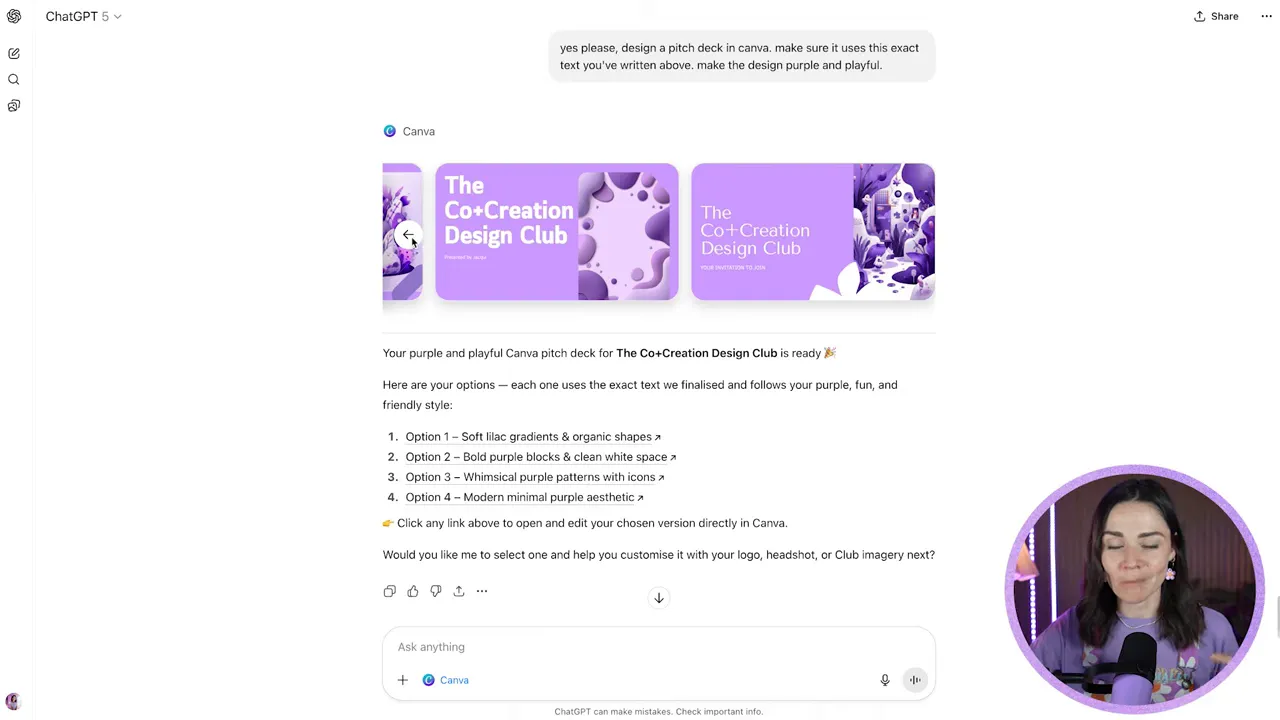
Expect 3 to 5 starter design options. ChatGPT will generate layouts, imagery, and text blocks that match the copy you provided. These designs act as a customized template pack – text-aware but not fully brand-aware.
FREE Design Tools to $100k Masterclass |
|
Grow your biz with clever design and Canva hacks that will save you hours and make you sales. |
| Get My Free Ticket |
Keep in mind:
- The designs tend to be generic and cookie cutter. They are a fast start, not a finished product.
- ChatGPT sometimes omits or rewords text you asked it to include. Do all your copy edits before generating the design to avoid losing lines.
- The AI attempts to create images and layout, but it cannot yet read or fully use your brand elements unless you apply them inside Canva.
Open the generated design in Canva and make it yours
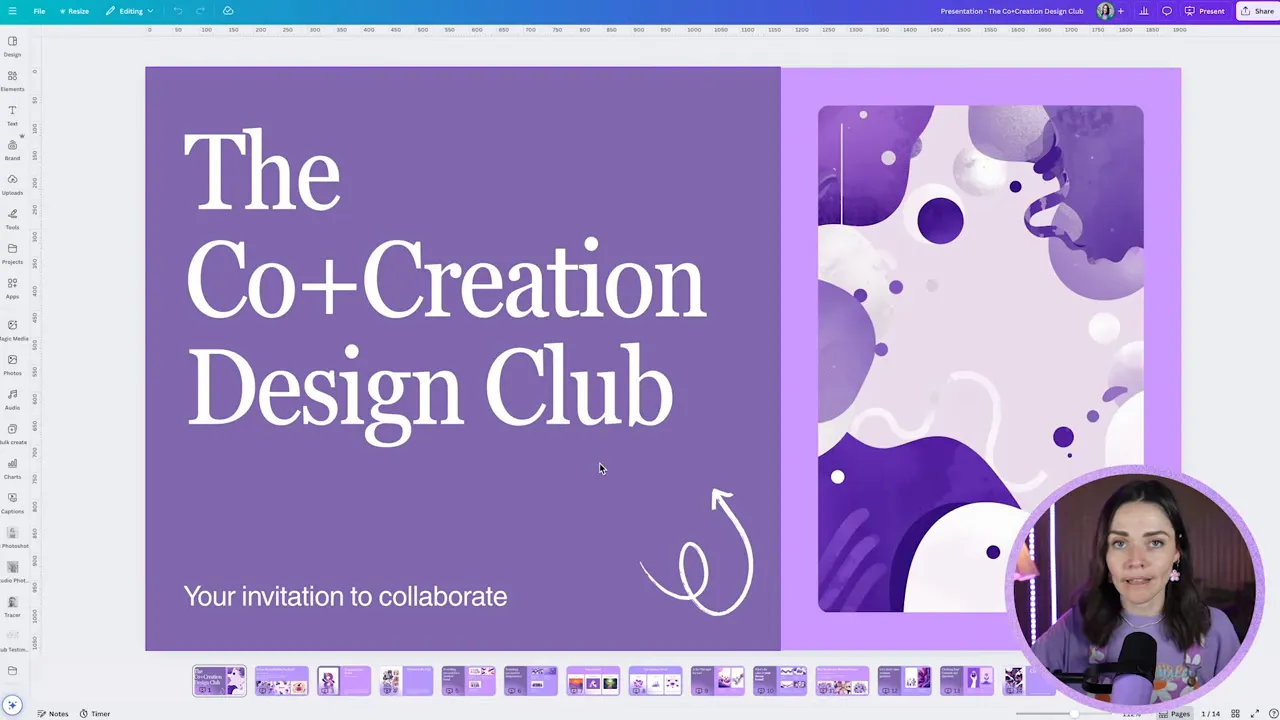
Once you find an option you like, click Open in Canva. That will drop the editable design into your Canva account where you can change fonts, colours, images, and layout quickly.
Apply your brand kit fast
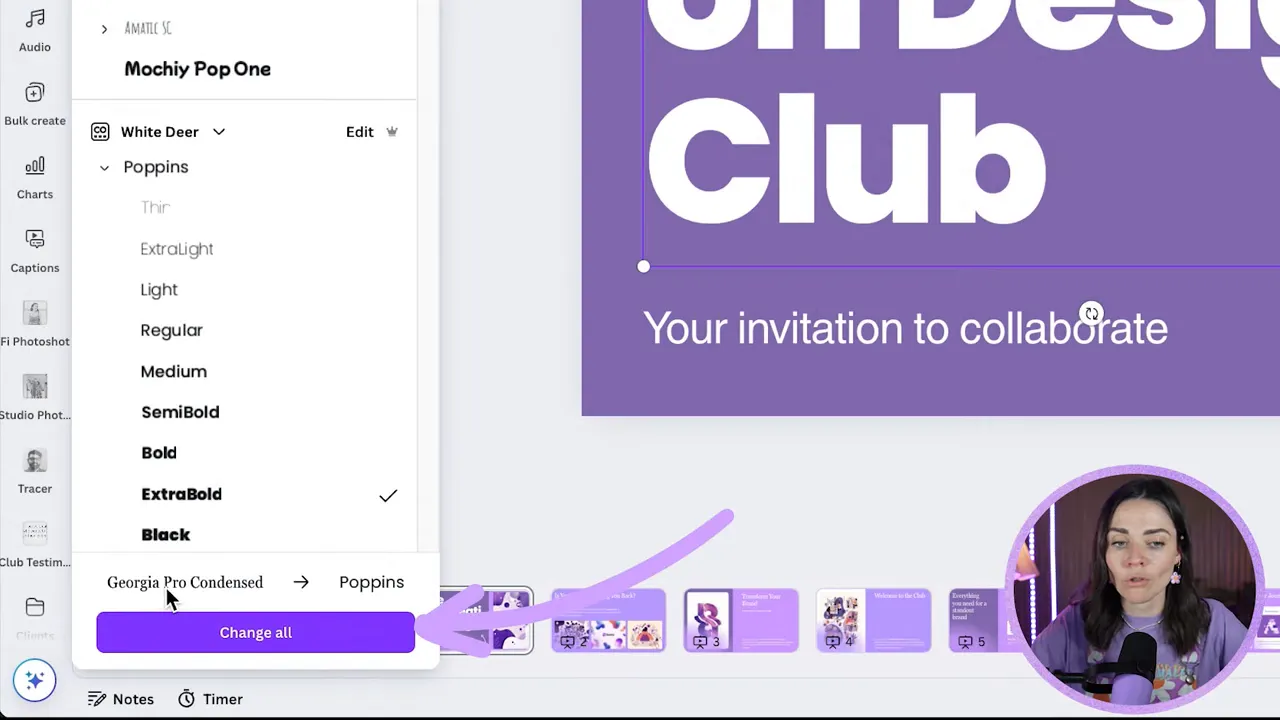
Use the Brand Kit and change fonts and colors globally. For example, swap any default heading font to your chosen font like Poppins and click change all to update across slides. Do the same for body fonts and brand colors. These bulk swaps save a lot of time compared to editing each slide manually.
Quick layout and imagery tips
- Ungroup text groups when you need to adjust spacing or hierarchy.
- Delete imagery frames you do not need by pressing delete twice to remove the frame completely.
- Replace stock photos with personal images from your brand kit to increase authenticity.
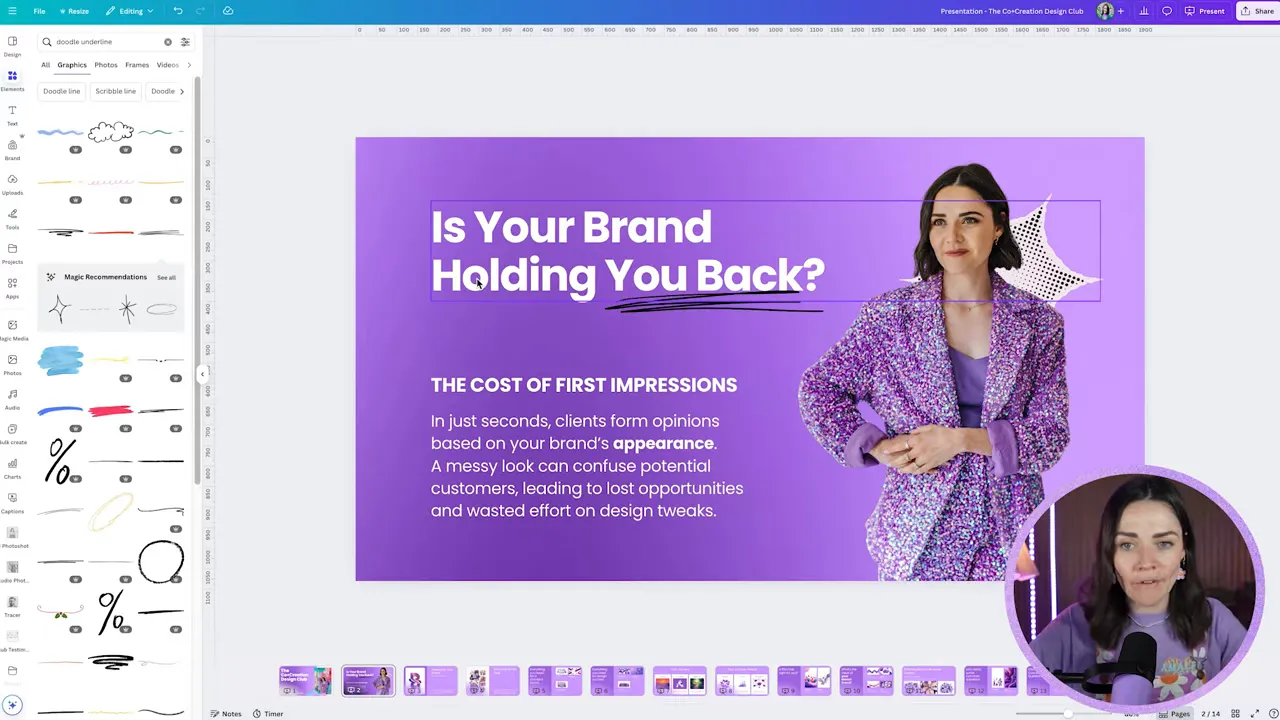
- Use simple brand elements like icons, shapes, or a signature doodle to make the AI layout feel bespoke.
Design thinking you still need to do
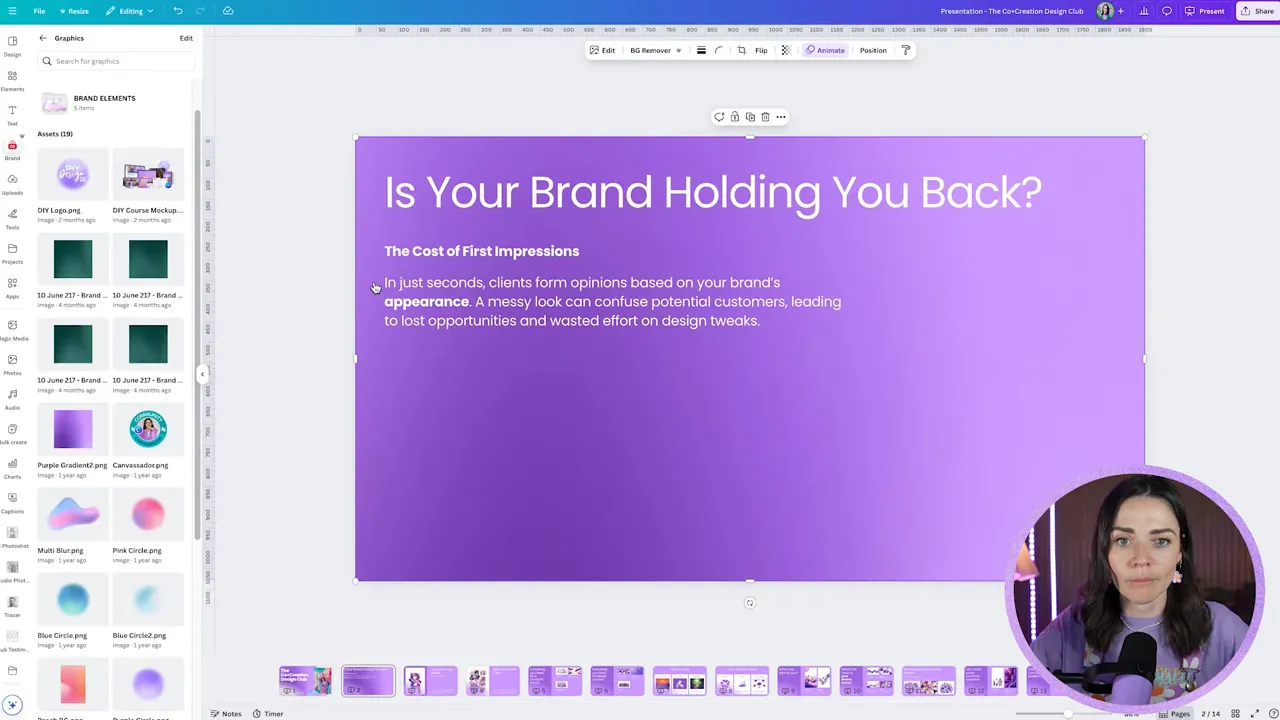
AI gives you structure, but you still must make design decisions that serve your goals. Focus on hierarchy, clear headlines, and contrast. For slide decks, make sure your main idea is immediately clear and follow a logical flow so readers can scan quickly. AI will not always get the copy tone or hierarchy right, so use your design judgement.
Known limitations and quirks
- The integration sometimes promises in-app tweaks that it does not complete. If it says it will edit text in the preview, double check once it opens in Canva.
- ChatGPT may not respect every exact instruction like using your exact copy or precise font unless you enforce those edits before design creation.
- Live edits inside Canva from the ChatGPT side can be blocked by missing permissions. If ChatGPT says it cannot make live changes, check your connected sources and permissions.
Practical workflow I recommend
- Prepare your copy and refine it in ChatGPT until you are happy with tone and content.
- Make sure Canva is connected as a source in ChatGPT.
- Ask ChatGPT to create an editable Canva design and explicitly select Canva from the more apps list.
- Preview options, choose the best one, and Open in Canva.
- Apply brand fonts and colors globally using change all in the Brand Kit.
- Replace images with personal photos, tweak layout, and add brand graphics.
- Review hierarchy, accessibility, and clarity before publishing.
Final thoughts – how to make AI design feel human
AI is not a replacement for design judgement. When you use ChatGPT and Canva together, treat AI as a creative assistant that handles structure and grunt work. Then apply your brand voice, visual system, and strategic thinking to lift the result from generic to remarkable. That combination will save you time while keeping your communications distinct and effective.
Try it and tell me what you create
Use this workflow for pitch decks, PDFs, or social posts and see how much time you can save. Share what you build and what worked or did not work for you so you can refine your process.
FREE Design Tools to $100k Masterclass |
|
Grow your biz with clever design and Canva hacks that will save you hours and make you sales. |
| Get My Free Ticket |