











Listen on Apple • Listen On Spotify
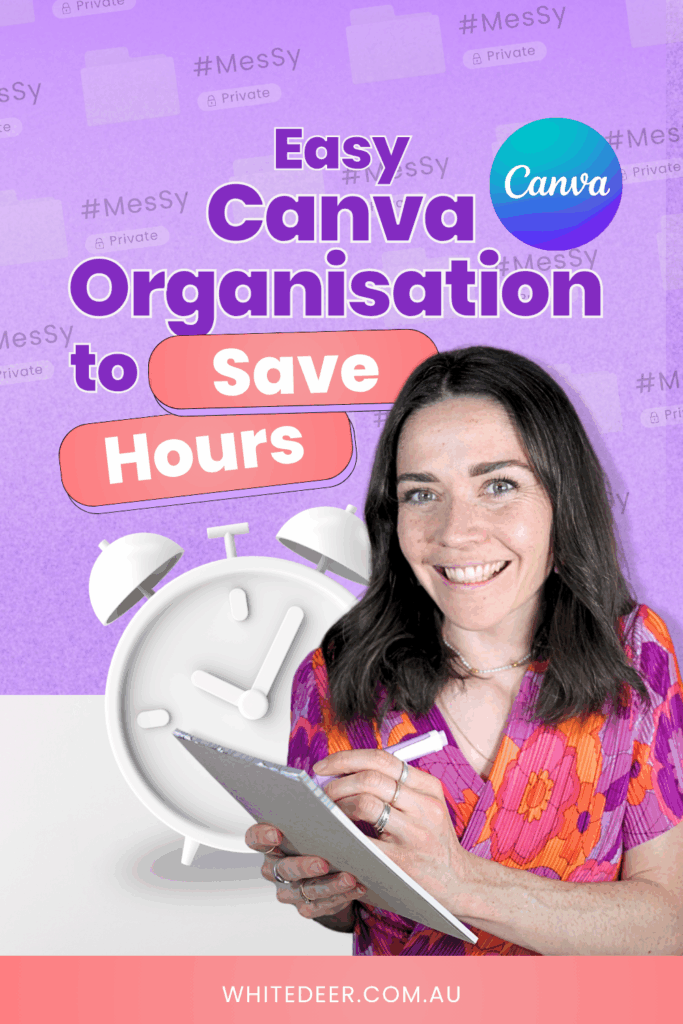
You know the feeling: you open up Canva for a “quick 10-minute job”…
And an hour later, you’re still hunting for the logo file you swear you uploaded last week.
There’s a reason your designs are taking longer than they should.
(And it’s not because you’re bad at Canva.)
It’s because you don’t have a system.
Canva is meant to make life easier, not more stressful. But when everything is scattered, disorganised, and unnamed, it becomes one more thing sucking up your time and energy.
Here’s the good news: you don’t need to overhaul your business.
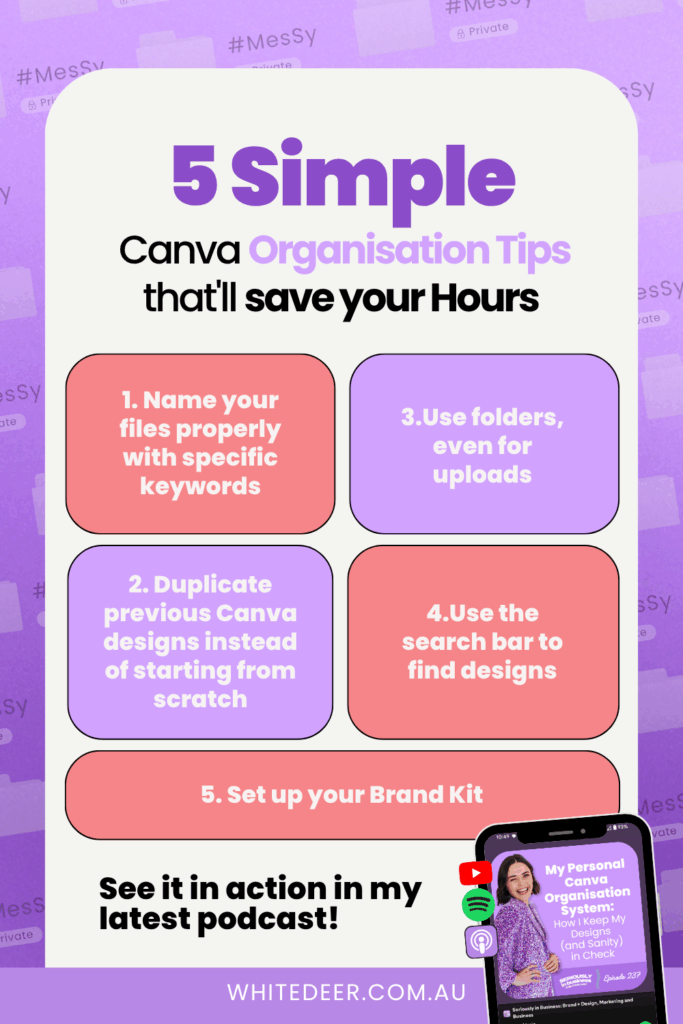
You just need 5 small habits that will turn your Canva experience from chaotic mess to clean, fast and professional.
And yes, I walk through all of these in episode 237 of my podcast. Or you can read them in this blog!
1. Name your files properly
Step away from the “Untitled design (19)” life.
Naming your files with purpose is one of the EASIEST ways to save time and avoid that annoying “Where is it?!” loop.
When you name a design, think: What would future me type into the search bar to find this?
Use keywords, the platform, and maybe even the year or project name.
Example:
- “2025 IG Post – Launch Day”
- “Podcast Ep 112 Carousel Graphic”
There’s no prize for short file names, so be detailed. You’ll thank yourself later.

2. Use folders (yes, even for uploads)
This is where most people skip ahead… and end up frustrated.
Folders don’t just help your designs look good, they help you work faster.
Create folders that make sense to your brain.
Not mine.
Not Canva’s.
Yours.
(That’s the only way you’ll actually use them.)
Here are a couple of ideas to get you started:
- Social Media Posts
- Slides & Presentations
- Testimonials
- Brand Photos
- Program Graphics
And yep, you can folder your uploads too. Just click the checkbox next to your image and hit “Move to Folder”. I do this with screenshots, brand shoots, program logos… anything I might need again.

3. Reuse your past designs
You don’t need to reinvent your designs each time.
If you’ve created something even kinda similar before?
Duplicate it.
Update the text.
Change the colours.
Post.
Done.
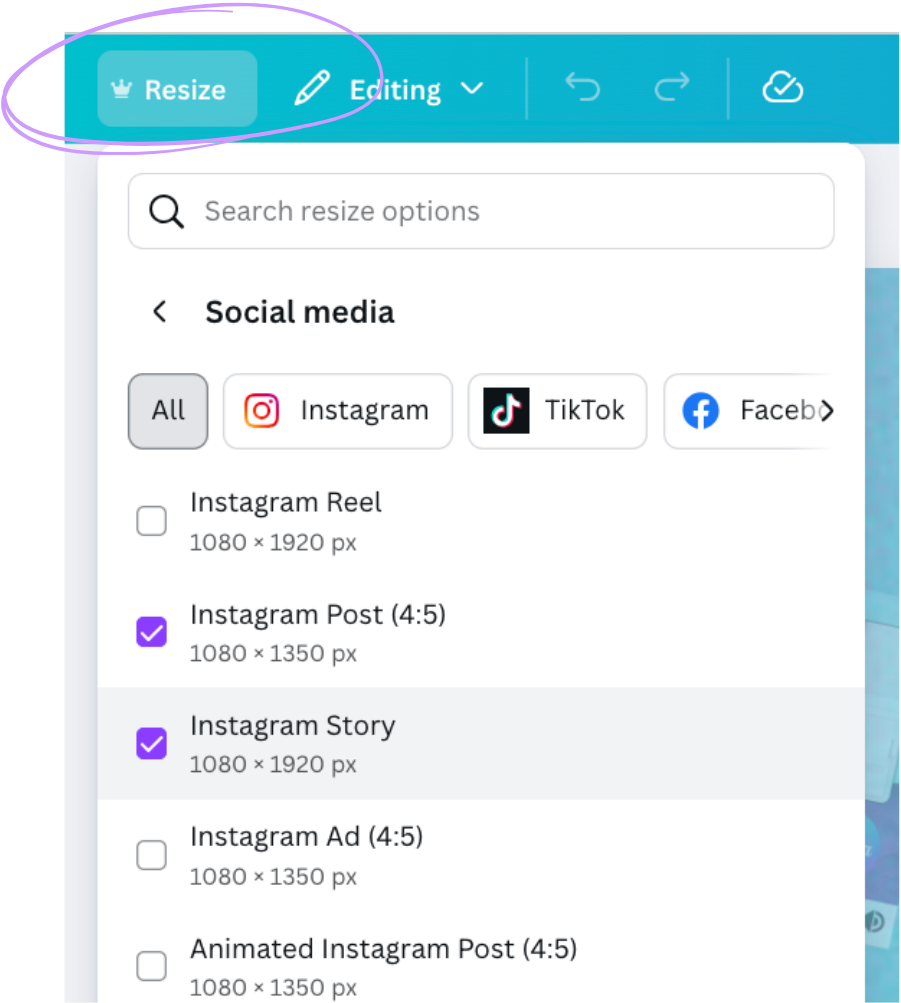
Using Canva Pro? Use the Resize feature to convert an IG post into a story, reel cover, Facebook ad, or Pinterest pin in seconds.
You already did the hard work once, so don’t create from scratch.
4. Use Canva’s search bar (seriously)
Here’s your permission slip to stop scrolling for 15 minutes just to find “that one post”.
The search bar in Canva is wildly underrated.
It doesn’t just look at filenames… it looks at the text inside your design, too.
Even if you forgot to rename the file, you can usually still find it by typing something like:
- “masterclass”
- “freebie promo”
- “testimonial carousel”
Hover your mouse over each result and Canva will auto-scroll the pages inside that file, so you can preview before clicking. It’s magic.
5. Build your Brand Kit
This is where everything comes together.
Your colours, fonts, logos, photos, and even icons… all saved in one place and ready to go inside every design you create.
When your brand kit is loaded, you can literally click a button and Canva will apply your brand colours across the entire design.
That’s not just a time-saver, it also makes all your designs look cohesive and professional.
Even if you’re not 100% sold on your brand colours yet, pop in what you’re using now. You can always tweak it later (that’s the beauty of digital design). The key is to have something loaded, so you’re not starting from scratch every time.
Bonus tip: Your system doesn’t have to be perfect
Here’s your permission to start messy.
My Canva folders are not minimal. My naming system isn’t flawless.
But it works for me, and that’s the point.
You’re not creating this for someone else. You’re creating it for future you.
So if “Masterclass Promo Graphics” makes more sense to your brain than “Marketing Assets / Funnels / Q4 2025”, use that.
Lean into the system that feels natural… not forced.
Want to do this live with me?
Ready to finally make Canva your shortcut, not your stress? Join me for The Canva Shortcut: Canva Made Simple for Busy Business Owners: a 2-hour live virtual workshop happening Nov 10! 🎨
Get your free ticket: https://www.whitedeer.com.au/canvashortcut
Or join me in person: https://www.whitedeer.com.au/unboxed
We’ll set up your brand kit, create a template, and actually implement what I teach in this episode.
And if you’re reading this after that date, don’t worry. Pop 30 minutes in your calendar, start with Tip 1, and let the system grow from there
WORK WITH JACQUI:
// DIY Design My Biz: The best course for business owners DIYing their own brand and graphics in Canva. Learn more: https://whitedeer.com.au/diy-dmb
// The Co+Creation Design Club: Design WITH the help of a professional designer in this high-touch coaching space: https://whitedeer.com.au/designclub
// Design Studio: If you’re after fully done-for-you design services my studio team can help! https://whitedeer.com.au/designstudio