












Listen on Apple • Listen On Spotify
Picture this: you need a graphic for your business. You’re flat out, you don’t have time to sit down in Canva, and honestly the whole process feels like a lot. So you open ChatGPT, give it a few prompts, and out pops a flyer. Done. You post it, you move on. It sounds like the obvious solution.
But here’s what I’ve been noticing, and what prompted me to go and run actual research on this, talk to real people, and then make some of my most-watched Reels in a long time.
That AI flyer might be doing your business more damage than you realise.
I’m not here to be anti-AI. I use it too, mostly for writing because that is genuinely not my strongest suit. But what I’m about to share is specifically about why using AI for your business graphics has a set of real, compounding costs, and what a smarter alternative actually looks like in practice.
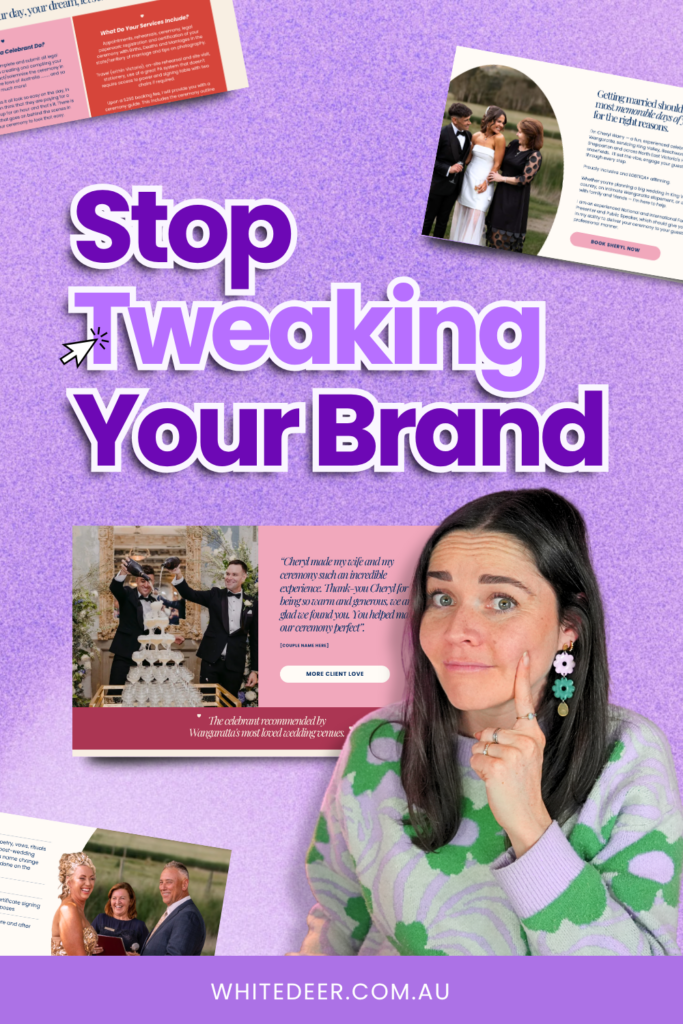
Can everyday people spot an AI graphic?
When I put this question to my audience – Can everyday people spot an AI graphic?… I assumed most people couldn’t tell.
But I was wrong.
It wasn’t just graphic designers. Everyday people, scrolling through their phones, could spot it. And when they could? The responses were pretty consistent: they wouldn’t read it, they’d ignore the business, or even if they’d trusted that brand before, they’d mentally put them at the bottom of their list.
That’s confronting, right?
Because the whole reason you’re creating the graphic is to get traction for your business. If the thing you’re making to get attention is actively causing people to disengage, that’s costing you.
Now, there are still plenty of people who can’t spot it yet. If your audience skews older and less online, maybe you’ve got a bit more runway. But as more and more businesses lean into this as a solution, it’s going to become more recognisable, not less.
The Problem of Everything Looking the Same
Even for people who can’t necessarily name “AI graphic,” there’s another thing happening: everything looks the same.
The colours are warmer than normal. Every inch of white space is filled. There are too many icons. Too much text. And this specific combination…blocky sans-serif font, brushy script, busy layout, is everywhere.
When something is everywhere and looks like everything else, our brains start to filter it out. I actually caught myself doing this.
I scrolled past a graphic multiple times because my brain had already filed it under “not for me.” When I finally looked closer, I realised I was actually really interested in what was being promoted. I’d just ignored it because it looked like everything else.
That’s the risk. Even if your audience doesn’t actively judge your AI graphic, they might just… not see it.
What AI Gets Wrong About Graphic Design
ChatGPT takes all the elements of a good graphic and then just… does too much with them. Too much text, icons and not enough breathing room.
But I teach business owners to design with intention, and that means knowing what to leave off as much as what to include.
AI doesn’t do that. It fills the space. And when there’s too much on a graphic, people’s brains decide it looks like too much work, and they scroll on.
Good design doesn’t have to be technically perfect to work. It has to feel human. And there is something about a graphic made by a real person, even if that’s just customising a Canva template, writing in their own text, choosing their own photo, that people are drawn to.
We want humans.
We want human choices, human effort, even human mistakes. AI takes that away.
The Bot-to-Brand Method: 3 Steps to Graphics That Actually Work
Okay, so if you’re sitting here thinking, fine, but what do I do instead?
Here’s what I’d actually recommend as a graphic designer of 12+years.
I’m calling it the Bot-to-Brand Method. And yes, you can still use AI in it. (just not to make the whole graphic!)
Step 1: Know your visual brand
You need three things: brand colours (2–6 to start with), brand fonts (just 2–3, please, not 10), and a brand style (light and flowy? dark and bold? collage-y? minimal?).
Once you have these locked in, you don’t have to make aesthetic decisions every single time you sit down to design something. That’s where so much of the time goes. Your brand is already decided. You’re just executing it.
You can absolutely use AI to help you brainstorm your colours or your style if you’re not sure where to start. Just know it’s hit and miss, and you’ll want a real set of eyes on it at some point.
That’s what my DIY Design My Biz course is for, and we also work through this together live inside the Co+Creation Design Club.

Step 2: Get clarity on what your graphic actually needs to say
ChatGPT will dump every piece of information you give it onto a graphic, so do this before you design anything.
Get clear on:
- what’s the headline,
- what’s the one key thing people need to know, and
- what’s the call to action?
If you’re stuck on this, you CAN use AI here. Word vomit everything you want to say, then ask ChatGPT to give you a heading, a tagline, and a call to action…and specifically ask it to keep the text minimal. Then take just that text and bring it into Canva yourself.
The more you do this, the more it becomes instinct. You’re building a muscle.
Step 3: Build a small set of reusable templates
This one surprises people. Won’t everything look the same? No, because it’s all one brand, your brand. Consistency is how your audience starts to recognise you in a feed full of everything else.
Have 3–10 templates that you rotate through. Each time, you’re just swapping in new text and maybe a new photo. It’s fast, it’s on brand, and it’s yours.
The Bottom Line
People are always looking for reasons not to buy from a business. Don’t hand them one. An AI graphic that people can spot from a mile away can become that reason, whether they consciously notice it or not.
The good news is this isn’t actually harder, it just needs to be set up properly first. Once your brand is sorted and your templates exist, you are faster than ChatGPT.
You’re just also more you.
If you want to see this in action, I have a free masterclass Design Tools to Get to $100K where I take you through exactly how to make a Canva template your own, show you the design mistakes to fix, and walk you through my system for building a brand that actually works.ld, including managing a team of 350+ at British Airways, and eight years working with small businesses, and it’s that combination that shapes her approach: empowering clients to take bold action while feeling genuinely safe and supported in how they do it.
WORK WITH JACQUI:
// DIY Design My Biz: The best course for business owners DIYing their own brand and graphics in Canva. Learn more: https://whitedeer.com.au/diy-dmb
// The Co+Creation Design Club: Design WITH the help of a professional designer in this high-touch coaching space: https://whitedeer.com.au/designclub
// Design Studio: If you’re after fully done-for-you design services my studio team can help! https://whitedeer.com.au/designstudio