











Listen on Apple • Listen On Spotify
If you’ve been hearing people rave about AI and design and wondering how it actually fits into your process… you’re not alone.
At the time of writing this blog, AI and design aren’t besties yet. You can’t just ask a tool to create your perfect branded design and have it magically come out aligned with your business, your audience and your vibe … not yet anyway.
But here’s the part I do want you to lean into, AI can be a seriously strategic tool if it’s used in the right places in your process. Not as a shortcut to skip important thinking … but as a way to support your thinking, clarify your direction and make better design decisions, quicker.
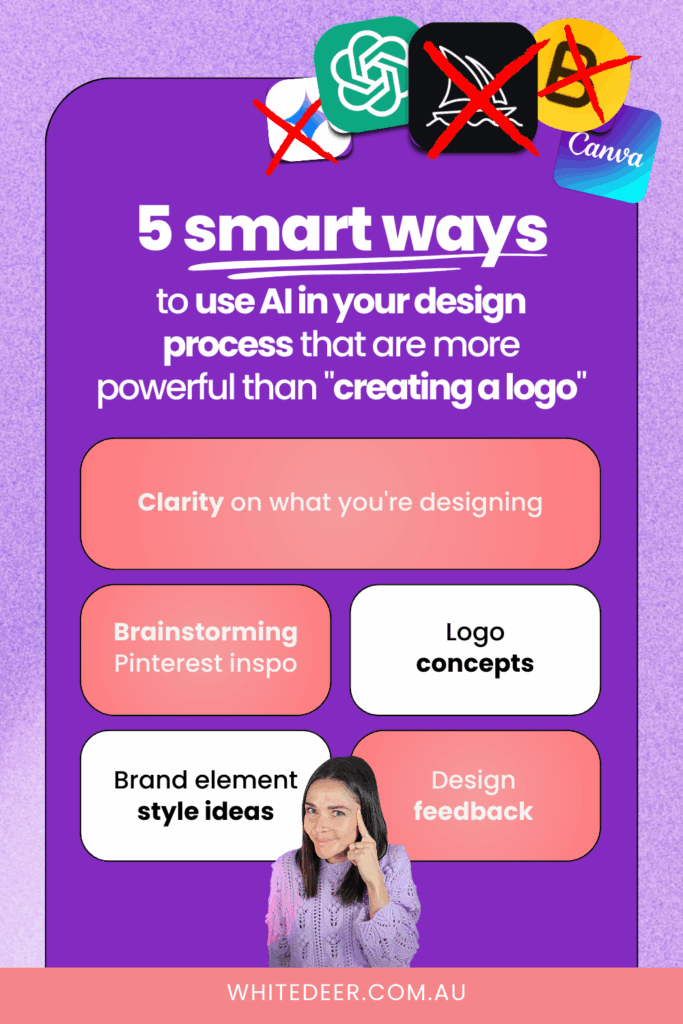
So let’s dive into the five ways I teach my students to use AI in their design workflow, ways that actually help, rather than just spit out a random design.
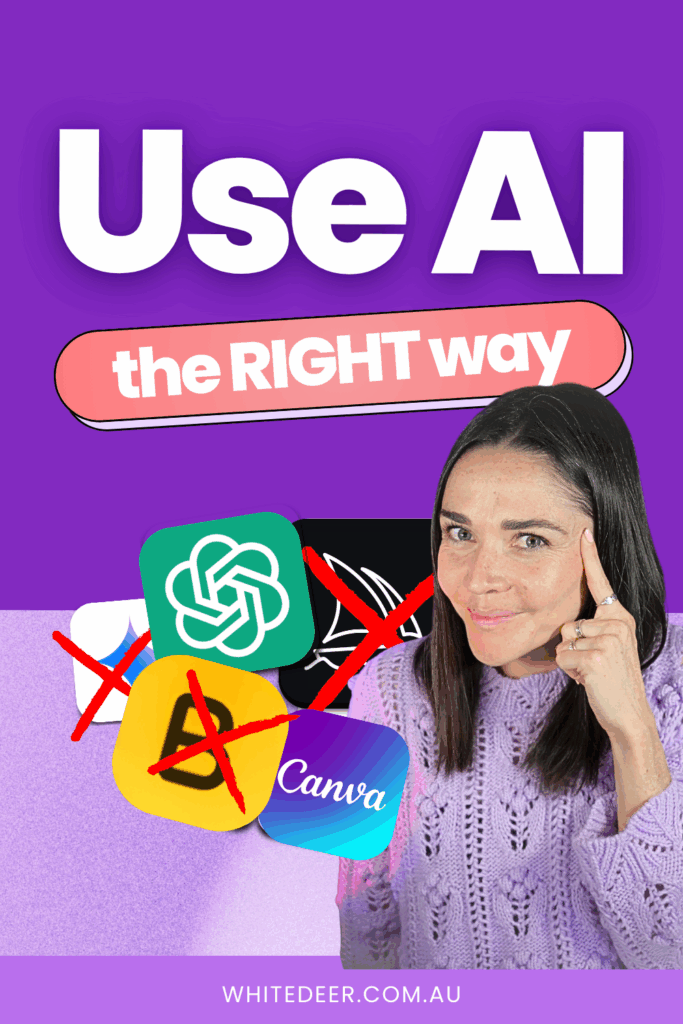
1. Use AI for CLARITY Before You Open Canva
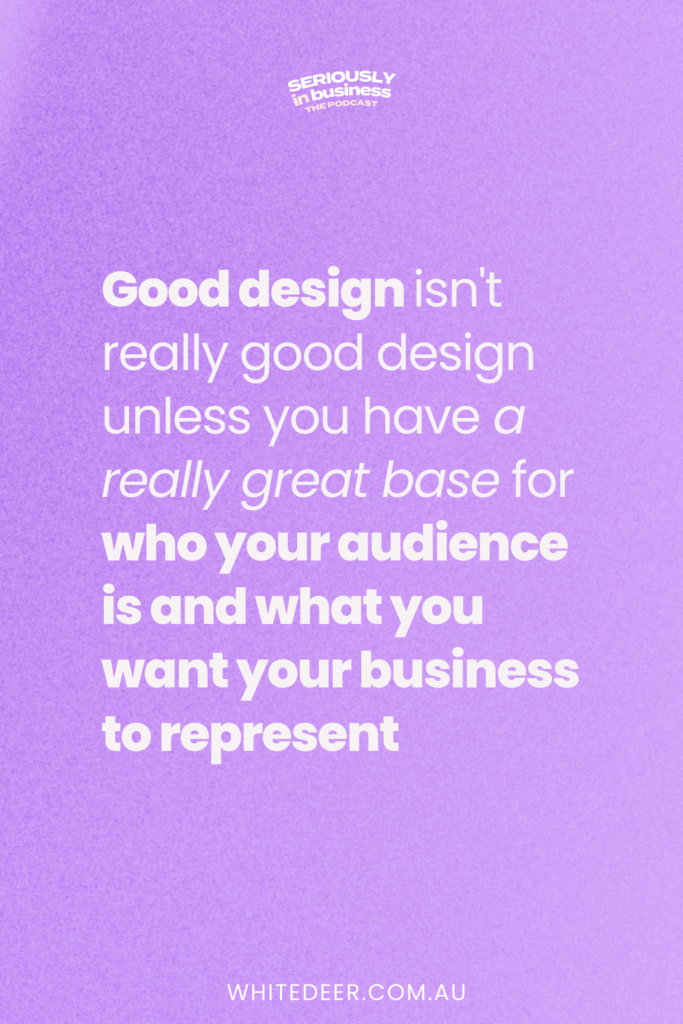
Good design isn’t honestly good design unless it’s built on a strong foundation … and that foundation is clarity.
Clarity on who your audience is, what they love, what they struggle with, what they respond to visually, and what your business actually stands for. Without that, your colours might be pretty, your fonts might be fine, but your visuals won’t connect.
This is where AI is super useful. Ask it things like:
- Who is my target audience for this kind of business?
- What are their biggest challenges?
- What kind of visuals resonate with them?
You can even get it to help you describe your ideal client in detail, so that when you’re designing, you’re not guessing … you’re designing for a real person. It’s like giving your future designs a compass instead of a blindfold.
2. Use AI to Brainstorm Pinterest Inspiration Before You Design
One of the biggest design stumbling blocks I see is people jumping into design without a clear vision of what they’re aiming for. And then Pinterest becomes an endless scroll of every aesthetic under the sun.
Instead, use AI to generate targeted Pinterest search phrases based on your business, audience and brand personality. For example:
“Playful colour palette for health coach branding”
“Soft modern fonts for soulful service providers”
“Bold yet feminine brand inspiration boards”
These kinds of phrases help you find inspiration that actually matches your vibe and your business goals, instead of everything under the sun.
And honestly, when you start with inspiration that actually fits … designing becomes so much more focused and fun.
3. Use AI to Brainstorm Logo Concepts (Not Just an Icon)
A logo shouldn’t just be a pretty picture … it should have meaning.
But asking AI to just give you a logo usually leaves you with something generic and surface level. Instead, I teach my students to use it to brainstorm concepts first.
Ask it things like:
- What symbols might represent my business values?
- What visual metaphors could communicate my brand purpose?
- What graphic styles might fit my audience and niche?
If you’re a horse riding coach for teen girls, for example, it might help you explore ideas around motion, confidence, connection, empowerment … and then visuals that match those ideas.
Then the logo you create isn’t just an icon, it’s a story.
4. Use AI to Explore Brand Element Style Ideas
Your brand isn’t just colours and a logo. Those things are part of it, but they don’t build a consistent visual identity on their own.
Brand elements are the little details: the patterns, illustrations, textures, line styles, icon sets, moods and graphic touches that show up everywhere across your business.
You can ask AI things like:
- What kind of graphical elements would match my brand vibe?
- Suggest illustration styles for a soulful creative brand
- What textures fit a soft, minimalist aesthetic?
Once you have those ideas, you can search on places like Canva or Pinterest with purpose, and pull elements into your designs that actually feel like they belong together.
Elements are what give your brand depth, personality and consistency … and AI really shines at helping you explore them.
5. Use AI to Get Feedback on Your Design
This one might be my favourite.
Once you’ve created a design in Canva, a post, a graphic, a social tile,save it as a JPEG or PNG and upload it into ChatGPT or a similar tool. Then ask:
- How could I improve the hierarchy of this design?
- Does this post feel clear and readable?
- Are there contrast issues I should fix?
AI might tell you things like your heading needs to be bigger, or your colours don’t have enough contrast, or your spacing feels awkward. And even if it’s not perfect every time … it helps you think like a designer as you improve.
It’s like having a little coach in your pocket while you build up your design skills.
So Is AI Your Designer? No… But It Can Be Your Strategic Assistant
If you’re hoping AI will give you that perfect, ready‑to‑go branded design every time… well, we aren’t quite there yet!
But if you use AI the way I teach… for clarity, direction, inspiration and feedback… it can seriously change the way you approach design.
It saves time, removes guesswork and helps you make smarter design decisions.
And it makes the whole process feel more supported, especially when you’re doing this yourself in Canva.
Ready to DIY a brand that your audience loves?
Inside my course, I walk you through the full branding process step-by-step… from clarity and colours to layout and AI prompts (yep, they’re all in there).
You can build your brand this weekend or take your time over a few weeks … and you get lifetime access to all the modules.
Access DIY Design my Biz Course 👉 www.whitedeer.com.au/diydmb
WORK WITH JACQUI:
// DIY Design My Biz: The best course for business owners DIYing their own brand and graphics in Canva. Learn more: https://whitedeer.com.au/diy-dmb
// The Co+Creation Design Club: Design WITH the help of a professional designer in this high-touch coaching space: https://whitedeer.com.au/designclub
// Design Studio: If you’re after fully done-for-you design services my studio team can help! https://whitedeer.com.au/designstudio