








Listen on Apple • Listen On Spotify
We need to talk about something most designers won’t say out loud: sometimes, your graphics look cheap not because they’re underdesigned, but because they’re overdesigned.
And I get it.
Canva is FUN.
There are shadows and glows and curvy fonts and a billion ways to say “Look at me!”
But if you’re cramming all the tricks into one graphic, what you’re actually doing is diluting your brand’s value.
In this post, I’m sharing my signature approach… the Anti-Design Method… to help you simplify your graphics so they look clean, professional and actually work.
Canva Made It Easy (But It Also Made Things Messy)
The moment Canva hit our screens, it was like business owners everywhere were handed a golden ticket: “You can now design your own graphics!”
And with that came a beautiful wave of DIY energy. Empowerment. Freedom.
But also? Chaos.
Because when everything is suddenly possible (57 text effects! 800 fonts!), we start doing the absolute MOST. And the result? Graphics that look more bargain bin than boutique brand.
When More Design = Less Credibility
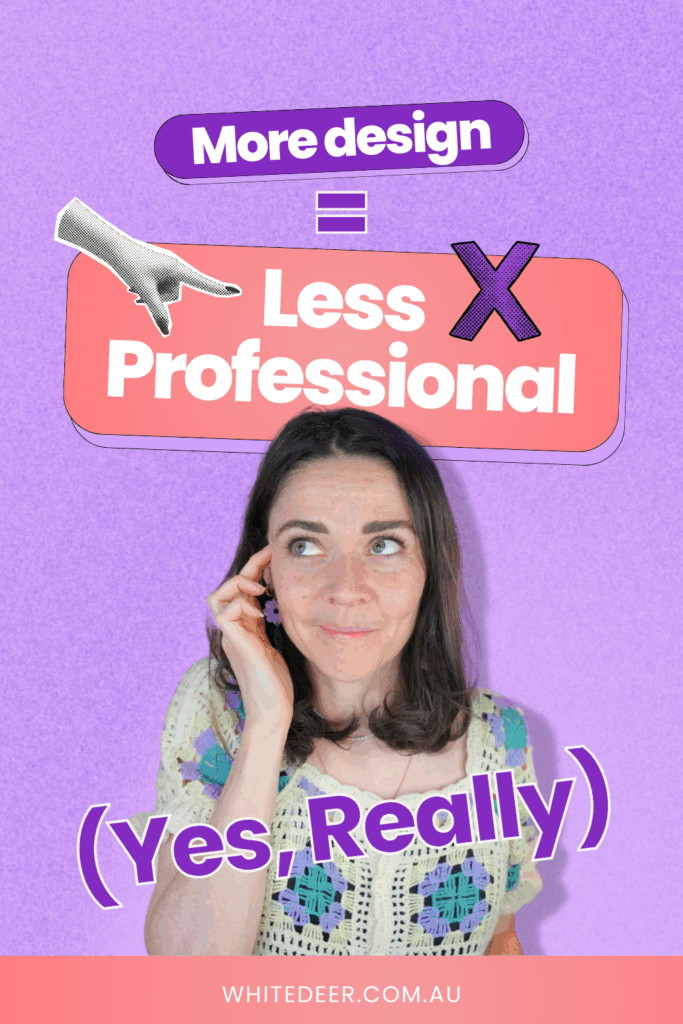
This might sting a little: The more you add, the less professional your graphics can look.
Think about it: if you’re using five fonts, four colours, and three shadows on one post, your audience isn’t absorbing your message.
They’re just wondering what’s going on.
Design isn’t about “making it pretty”. It’s about communicating clearly.
And when your visuals are loud, busy, or confusing? They undermine your authority.
If you’re trying to attract premium clients, the goal isn’t to show off what Canva can do. It’s to show your audience what you can do.
The Science of Simplicity
This is the part where I introduce something I like to call The Science of Simplicity.
No, it’s not a fancy design theory you’ll find in textbooks. I made it up… but it works.
It’s about recognising that the most effective design isn’t the one with the most bells and whistles. It’s the one that communicates one clear thing in the quickest way possible.
And to do that, you need to understand one very powerful design tool…
Say Hello to Hierarchy
Hierarchy is your new best friend.
It’s how you guide your viewer’s eyes to the thing you want them to see first. You do it through size, colour contrast, and spacing.
Here’s the biggest trick most DIY designers miss: if everything on your graphic is the same size, then nothing stands out.
Start with one big bold headline (like, BIG big… 140pt even). Then, let everything else support it quietly.
That contrast in sizing? It does more to elevate your design than 15 effects ever could.
What to Strip Back Right Now
Still feel like your designs look “meh” unless you jazz them up? Before you reach for another element, here’s what to remove:
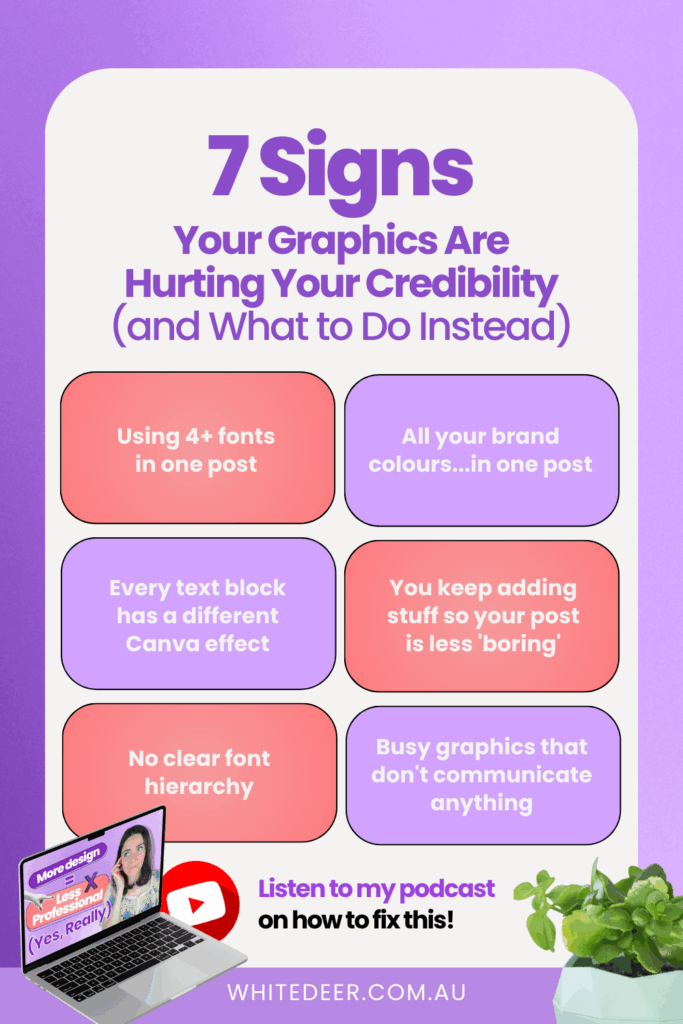
1. Fonts: Use 1…3 max. More than that, and your message gets muddled.
2. Colours: Stick to your brand palette. Save the rainbow for birthday invites.
3. Effects: One effect maybe. If it doesn’t serve the message, it doesn’t belong.
4. Random Canva elements: They’re cute, but are they on-brand?
Remember: less is not lazy. It’s intentional.
Still Tempted to Add More?
Here’s a little test: open your last Canva design. Pick 3…7 key words and make them HUGE. Shrink everything else. Then remove one thing you added “just because”.
Step back. Look again.
I’ll bet it looks cleaner. Clearer. More like the brand you’re building.
Ready to Learn How to Design Well?
If you’re done guessing what “looks good” and want to start creating graphics that look pro and save you time, my free masterclass is a good place to start.
It’s called Design Tools to 100K, and inside I’ll show you:
- How to fix common design mistakes
- Real Canva shortcuts that actually help
- A live walkthrough of editing a template the right way
Free Canva Masterclass: Design Tools to $100k 👉 https://www.whitedeer.com.au/designmasterclasse DMs here: https://www.instagram.com/bucketlistbombshells/
WORK WITH JACQUI:
// DIY Design My Biz: The best course for business owners DIYing their own brand and graphics in Canva. Learn more: https://whitedeer.com.au/diy-dmb
// The Co+Creation Design Club: Design WITH the help of a professional designer in this high-touch coaching space: https://whitedeer.com.au/designclub
// Design Studio: If you’re after fully done-for-you design services my studio team can help! https://whitedeer.com.au/designstudio