











Here’s the design secret most everyday business owners never get told: logo designers often rely on a handful of proven layout formulas. Not because they’re “cheating,” but because these layouts consistently make logos look clear, professional, legible, and versatile.
If you’re DIYing your logo in Canva (or anywhere), you don’t need to reinvent the wheel. You just need to choose the right layout for your text and your icon style, then apply your fonts, colors, and spacing.
Table of Contents
- Step 1: Understand why logo layouts matter more than you think
- Step 2: Use hierarchy so your logo doesn’t overwhelm people
- Step 3: Choose one of the two classic text-only layouts
- Step 4: Add an icon using one of three reliable icon-to-text layouts
- Step 5: Build a professional logo suite with 6 essential variations
- Step 6: Pick a layout based on your exact text and icon
- Next step: create your DIY logo with a proper workflow
- Quick checklist before you finalize
Step 1: Understand why logo layouts matter more than you think
Your logo isn’t just a pretty mark. It is one of the main tools that helps people recognize your brand, trust you, and remember you.
Good logo layouts improve:
- Recognizability (people instantly know it’s you)
- Legibility (text is readable at real-world sizes)
- Versatility (it works in different placements)
- Professionalism (it looks intentional, not accidental)
And because your logo has a long life in your business, you want it to hold up everywhere. A layout that looks great on a website header might fail on a business card, a footer, or social media.
Step 2: Use hierarchy so your logo doesn’t overwhelm people
Before you decide on a layout, check your text. The goal is simple: not all words should be the same size.
This concept is called hierarchy. It directs your audience’s eye so they read your logo in the right order.
If everything is big, your viewer’s eyes get overwhelmed and you lose them. If you pair bigger words with smaller supporting words, it feels like a guided step-by-step read.
Quick rule: decide your main word (your brand name) and your secondary word (what you do, a descriptor, location, etc.). Then size accordingly.
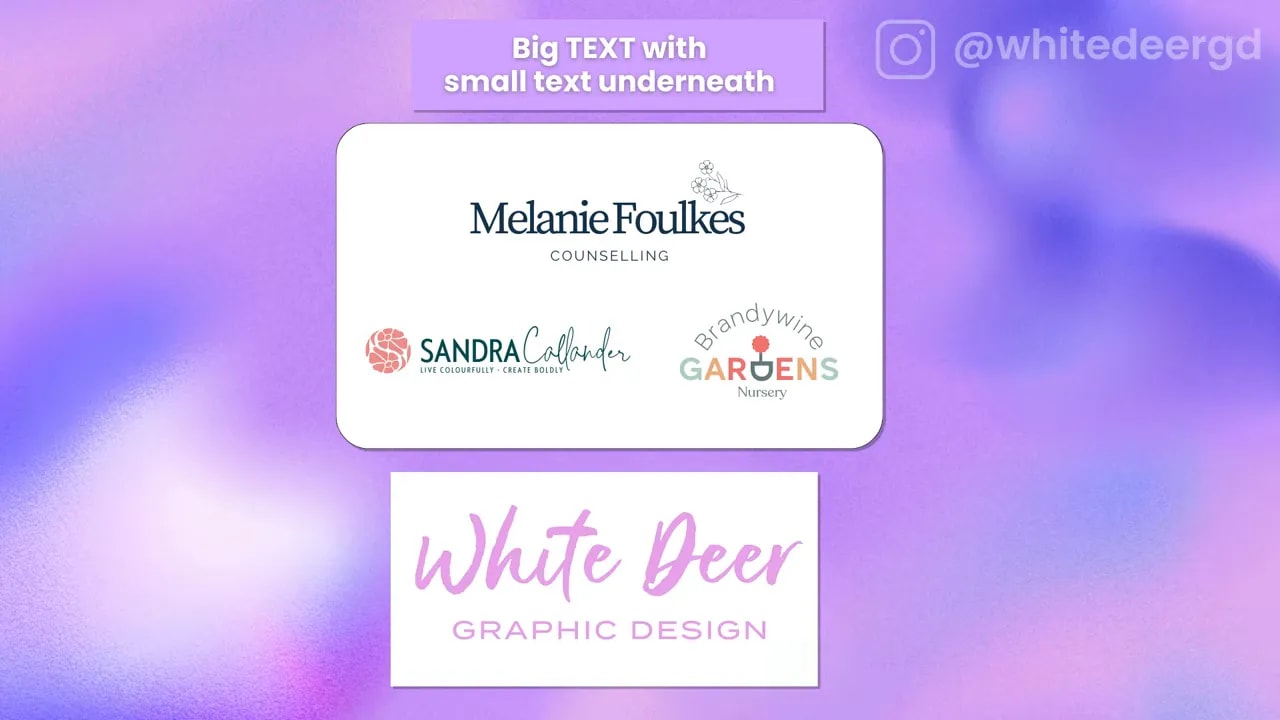
Step 3: Choose one of the two classic text-only layouts
Let’s start with the most common text patterns designers use when there’s no icon, or when the icon comes later.
Step 3A: Large main text with smaller descriptor underneath
This layout works especially well when your business name is two or three words, plus you have a “what you do” phrase underneath.
Common structure:
- Large: Brand name
- Smaller: Descriptor (what you do)
Why it works: your audience knows where to look first. Your bigger brand name does the heavy lifting, then the smaller phrase adds clarity.
You can also use this layout when your descriptor word itself should stand out slightly more than the rest. The key is still hierarchy.
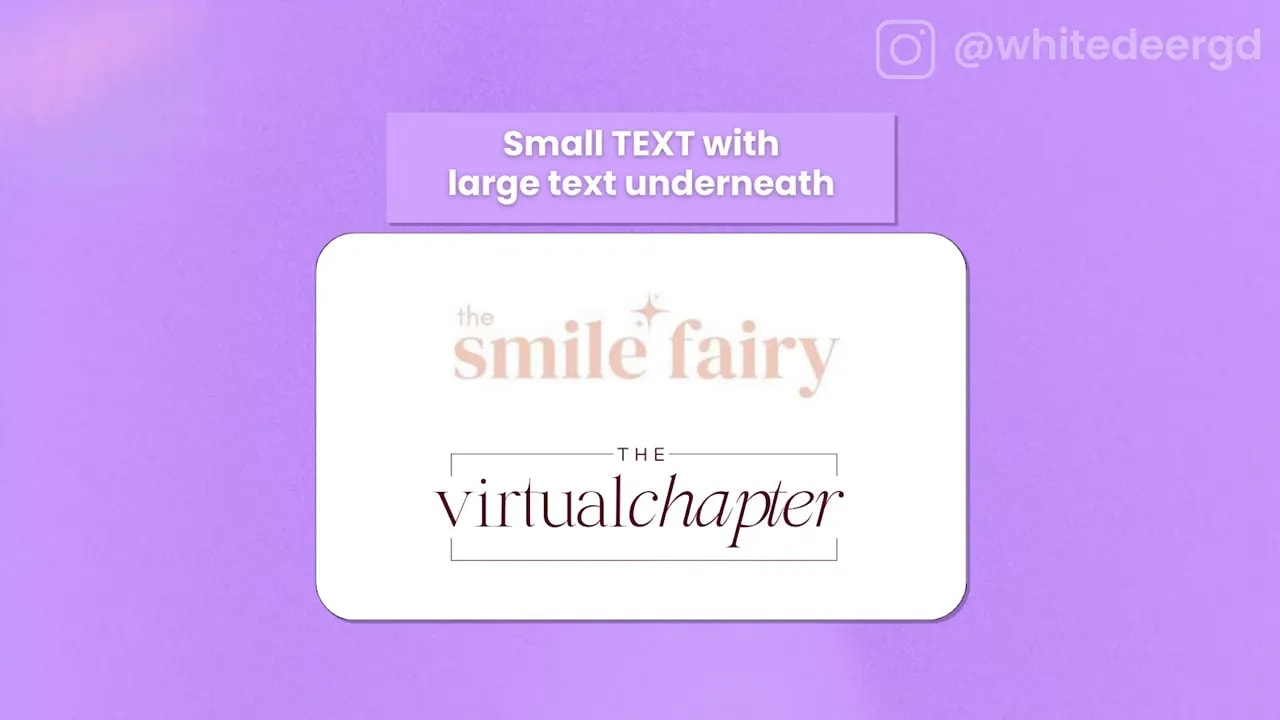
Step 3B: Flip it when you include the word “the”
There’s a clever variation designers use a lot: if your logo includes the word “the” (which usually isn’t the important part), size it smaller and make the rest of the business name large.
Common structure:
- Small: “the”
- Large: Your business name
This creates a bit of visual interest without distracting from what matters most.
Step 4: Add an icon using one of three reliable icon-to-text layouts
If you want your logo to feel unique, add an icon. Designers commonly pair icons with text using a few repeatable structures.
You can also use text-only sometimes (especially if your business type relies on a distinctive name). But most businesses benefit from an icon for memorability.
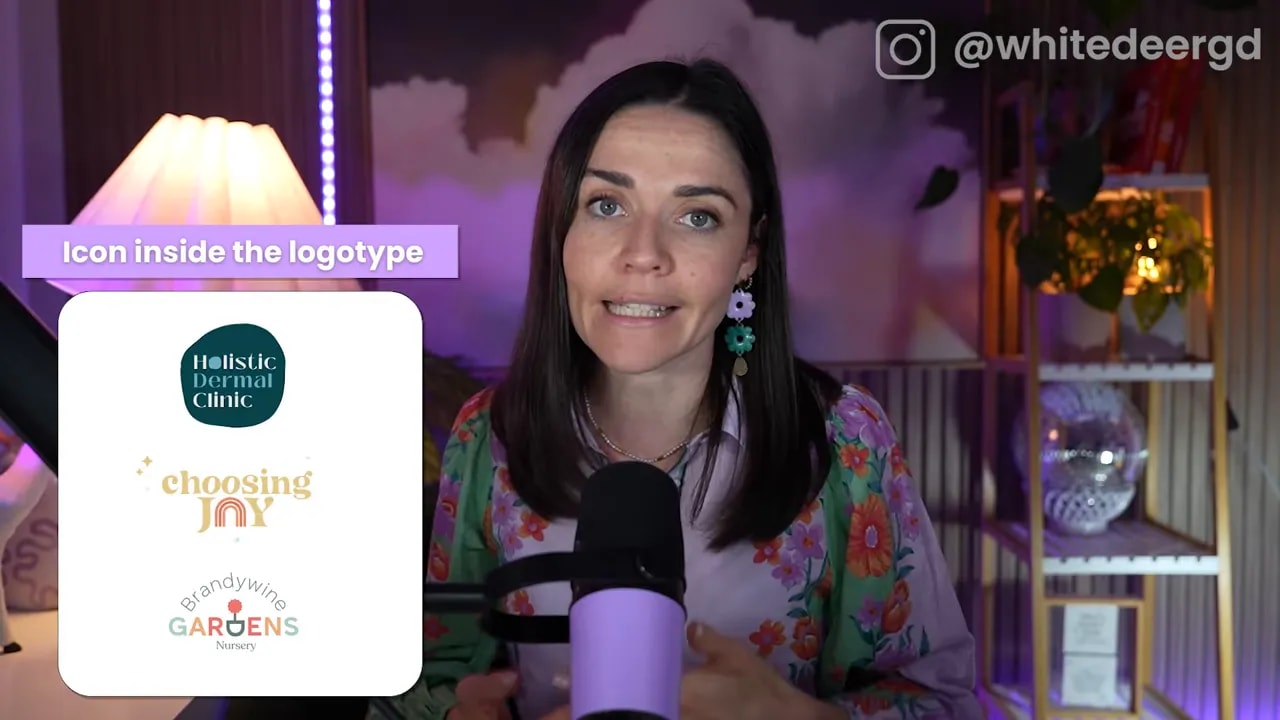
Step 4A: Embed the icon inside your logo text
This is when your icon becomes part of the letters themselves. It’s subtle uniqueness, not a separate logo block.
Two common ways to pull this off:
- Replace a letter with an icon shape that matches your brand concept
- Use an icon element across letters so it feels “built-in”
Important caution: when the icon is embedded, it can be harder to use the icon independently later. It doesn’t mean you can never use it separately. It just means you may need a separate icon version designed intentionally.
FREE Design Tools to $100k Masterclass
Grow your biz with clever design and Canva hacks that will save you hours and make you sales.
Also, keep it simple. Letter-replacement tricks work best with obvious, common words (like easy-to-read letter patterns). If you try to get clever with a convoluted word, people might not understand what the icon is representing.
Step 4B: Put a simple icon on top of your text
This is classic for a reason. It’s clean, balanced, and flexible.
It also makes your icon more usable alone, which is great for:
- social profile circles
- fav icons
- small spaces where full text can’t fit
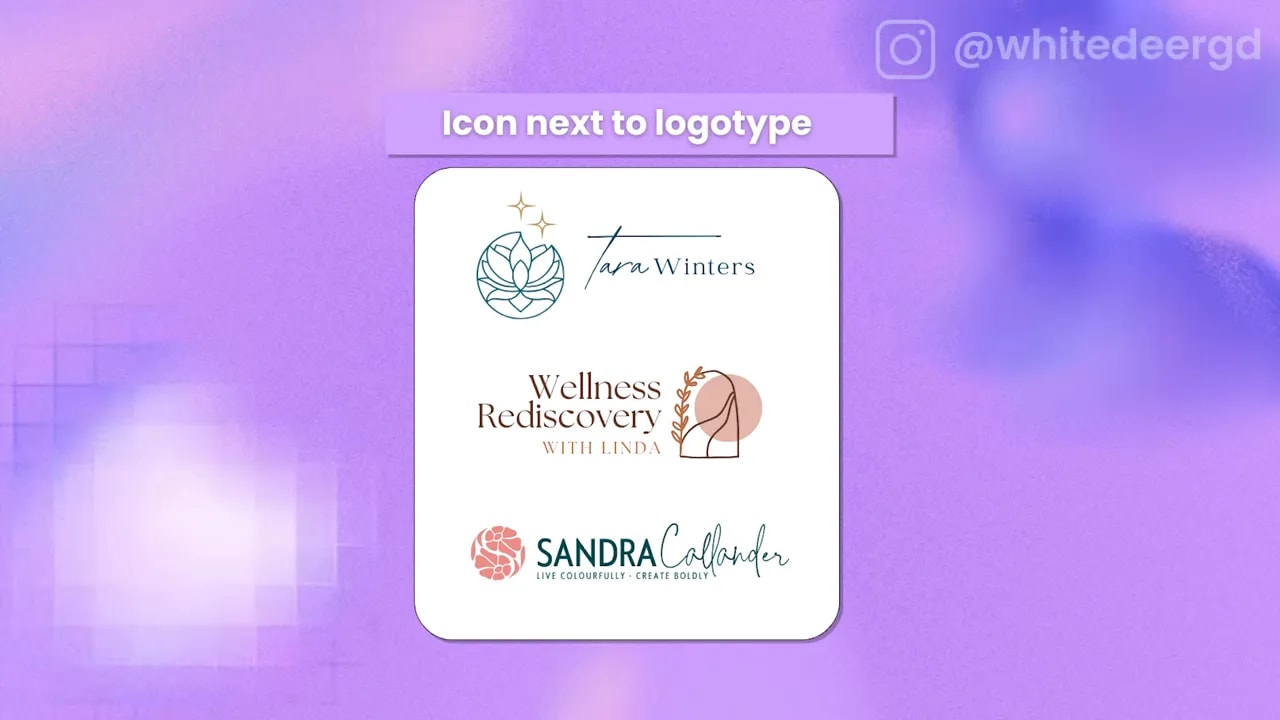
Step 4C: Place the icon next to your text (left or right)
This layout often works best for wider formats, like:
- website headers
- printed letterheads
- banner graphics
Most designs default to putting the icon on the left, but you can absolutely put it on the right. Choose based on how your text flows and the shape of your icon.
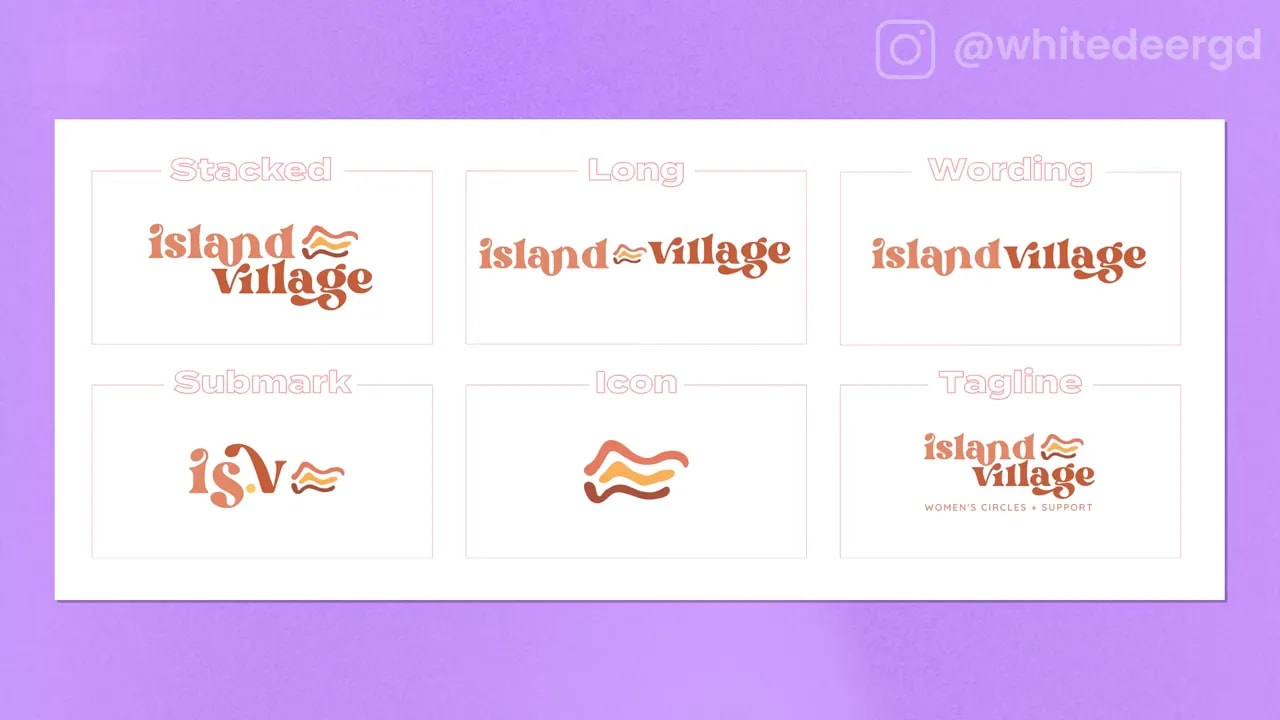
Step 5: Build a professional logo suite with 6 essential variations
Here’s where many DIY logos fall short. You don’t just need one logo. You need a set of versions so your brand looks consistent everywhere.
Plan for these six logo variations:
1) Stacked
Your text is on top of each other, or your icon sits above the text. This is especially useful when you need a taller logo for a narrower space.
Typical stacked behavior:
- icon on top
- brand name beneath
- descriptor (optional) under the brand name
2) Long
Your logo is stretched horizontally with text lined up (not stacked). The icon can sit between parts of the wordmark or next to it.
This is perfect for narrow but wide areas like the bottom of a letterhead or along the edge of a document.
3) Wordmark only
This is your text without the icon. Sometimes it’s all you need, especially in designs where icons would feel too busy.
4) Icon only
Your icon by itself. Use it where space is limited or where you want the icon to function like a brand badge.
5) Submark
A simplified version of your identity, often created as an abbreviation or monogram using parts of your logo and text.
This version helps when you need something recognizable but even smaller than your main logo.
6) Tagline version
A version that includes your tagline. Not every layout can support a tagline at small sizes, so you’ll want to create a smaller, readable version specifically for places where it fits.
Step 6: Pick a layout based on your exact text and icon
Now that you know the building blocks, choose your layout based on two things:
- Your text: how many words do you have, and do you have a descriptor?
- Your icon style: does it look best embedded, on top, or next to?
If your business name is naturally short and your icon is bold, top-on-text or stacked usually wins. If your brand name is longer, consider long layouts (and plan for tighter spacing).
Next step: create your DIY logo with a proper workflow
Once you’ve chosen your layout formulas, the rest is the fun part: fonts, colors, spacing, and exporting the right versions.
If you want a structured way to build your logo suite and brand assets in Canva, consider using a course framework that walks you from concept to final files (including legal and uniqueness considerations, plus templates). That’s exactly what DIY Design My Biz is designed to help with.
Quick checklist before you finalize
- Hierarchy: one main word is clearly larger than supporting words
- Layout: your icon placement matches how your text reads
- Icon independence: you have an icon-only version (even if you embed the icon in the word)
- Suite: you created stacked, long, wordmark only, icon only, submark, and tagline (when readable)
If you get these right, your logo will stop feeling like a “single image” and start functioning like a real brand system. That’s when your business looks credible in every place it shows up.
FREE Design Tools to $100k Masterclass
Grow your biz with clever design and Canva hacks that will save you hours and make you sales.