











Listen on Apple • Listen On Spotify
Let me guess… you’ve opened Canva with the best of intentions. You’re ready to create that amazing social post you’ve been thinking about. But two hours later, you’re still fiddling with fonts, second-guessing your colours, and wondering if you even like the post enough to publish it.
And maybe… you don’t.
Maybe you never even hit post.
If designing your content feels more draining than exciting, you are so not alone. 90% of my course students and clients tell me the same thing: “I just want to create graphics that feel easier.”
That’s exactly what I’m walking through today… how to simplify your Canva workflow, reclaim your time, and make posting feel light again.
1. Decision Fatigue is Killing Your Creativity
Every time you open Canva and ask yourself, “What colour should I use? What font fits this vibe? What element feels on-brand today?”… that’s decision fatigue.
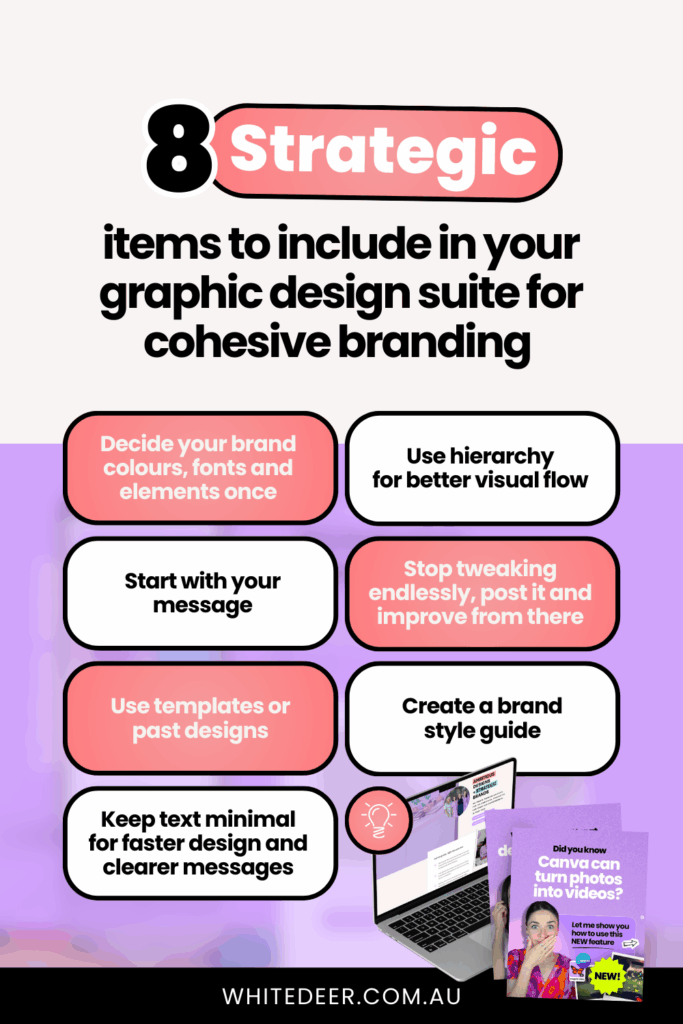
Just like Steve Jobs wore the same outfit every day to reduce mental clutter, your graphics can do the same. Use the same fonts, colours, and graphic style consistently. That way, when you go to design, those decisions are already made. You’re not starting from zero… you’re working from clarity.
2. Start With the Text, Not the Design
One of the easiest ways to simplify design? Get your message clear before you even open Canva.
Whether you’re creating a static post or a carousel, pop your text into a doc first. Nail down what you want to say, then build the design around that.
Think of it like getting dressed… it’s easier to choose the right outfit when you already know where you’re going. When you know the goal of your post, the design becomes simple support, not a stressful centrepiece.
3. Reuse What Already Works
I rarely start from scratch. And I teach my students not to either.
Instead, duplicate a post you’ve already made that looks good and swap in new content. Or, use Canva’s template library (seriously, don’t sleep on it, it’s GOLD).
Just make sure you:
- Swap in your own brand fonts
- Update to your brand colours
- Remove any elements that don’t fit your style (bye, ripped paper if you’re a clean-and-minimal gal)
Templates save time and brainpower. You don’t need Creative Market or Pinterest to be consistent and strategic.
4. Use Less Text (It’s More Powerful That Way)
Cramming a whole paragraph into a single post? That’s where things get messy.
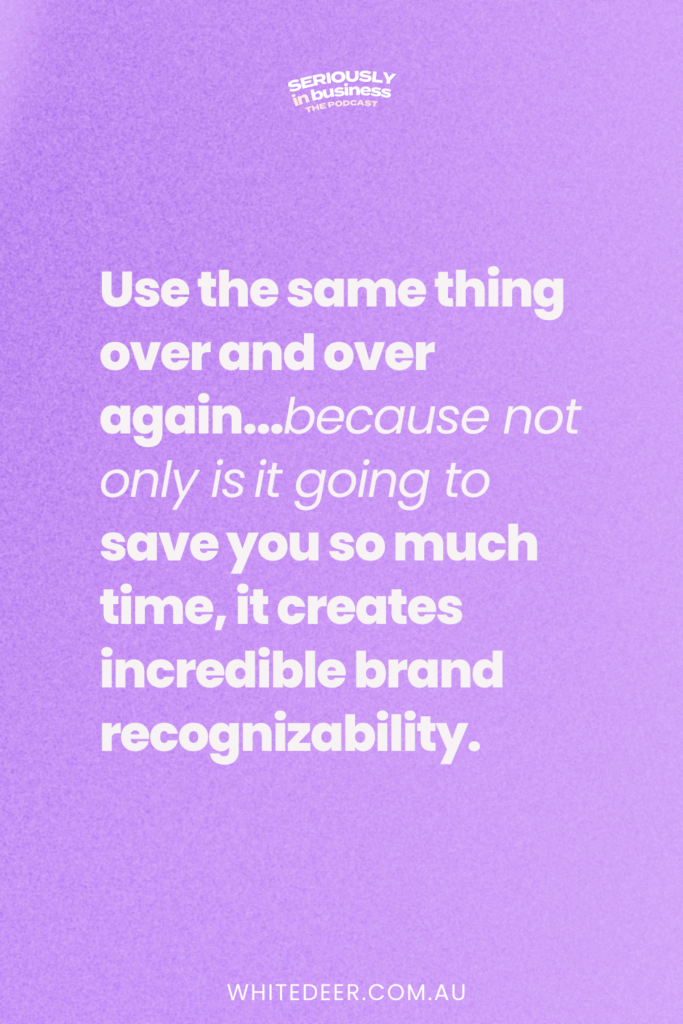
Instead, spread your message across multiple slides, or shift some of that copy into your caption. And make sure your text has hierarchy: one bold heading, supporting subtext in a smaller font.
That simple shift creates clarity and makes your design look way more polished.
5. If You’re Bored of Your Brand… You’re Doing it Right
Yep. I said it.
If you’re feeling tired of your brand colours or fonts, that might actually be a sign that you’re finally using them consistently enough for them to become recognisable.
You know who’s probably bored of red? Coca-Cola. But we still associate it with them instantly.
Don’t reinvent the wheel every time. Repetition = recognition. And recognition builds trust.
6. Post the Thing (and Then Make the Next One Better)
If you’re spending hours tweaking one design, only to feel crushed when it doesn’t “perform”… you’re not alone. But you’re also not stuck.
Done is better than perfect. Post the graphic. Then improve on it next time. Then do it again. And again.
That’s how design gets easier.
7. Create a Brand Style Guide
Want the ultimate design shortcut? Build a one-page style guide. Include:
- Your brand colours (with hex codes)
- Fonts (with usage notes)
- Logo variations
- Photo or element style
It’s like a mini rulebook and creative compass all in one. You’ll never waste time wondering which shade of purple you used last week or which font feels right again.
And yes, I give away a free template for this inside my masterclass, so keep reading…
Final Thoughts + Free Resource
Design doesn’t have to feel heavy. You don’t need a rebrand, or more fonts, or another Pinterest deep dive. You need clarity. You need simple systems. You need repetition.
And I want to help with that!
Join my free 60-minute masterclass where I’ll show you:
- 3 design mistakes that are ruining your credibility
- Canva shortcuts that’ll save you literal hours
- My real-time process to design a post in 20 minutes
Plus you’ll get my brand style guide template to make designing feel light, strategic and fun again.
Free Canva Masterclass: Design Tools to $100k 👉 https://www.whitedeer.com.au/designmasterclass
WORK WITH JACQUI:
// DIY Design My Biz: The best course for business owners DIYing their own brand and graphics in Canva. Learn more: https://whitedeer.com.au/diy-dmb
// The Co+Creation Design Club: Design WITH the help of a professional designer in this high-touch coaching space: https://whitedeer.com.au/designclub
// Design Studio: If you’re after fully done-for-you design services my studio team can help! https://whitedeer.com.au/designstudio